The best app to learn Thai is one that has you reading Thai script and hearing the tones in your first week. For most beginners that means starting with Qlango, whose Thai course runs from A1 to B2 in Thai script and is free to download; if speaking out loud on your commute matters most, add Pimsleur's audio course, and for vocabulary in five-minute bursts, Drops.
A disclosure: Qlango publishes this site, so read what we say about our own app with that in mind. Every fact about the other apps comes from their own websites, checked in November 2026. Duolingo, Babbel and Busuu aren't here because none of them teaches Thai (we checked their course lists), and Thai isn't among the 25 languages listed on Rosetta Stone's site either.
In a Bangkok side street, the sign on the corner gives the street name in Thai script and in Latin letters, but the noodle stall next to it has its menu in Thai only, and you end up pointing. Before the next trip you type "learn thai app" into the App Store and find that the apps you already know don't offer it. What's left is a row of smaller apps that all promise native audio and fun games, with little on their own sites to tell them apart, so this guide puts the facts side by side.
What a Thai app has to get right
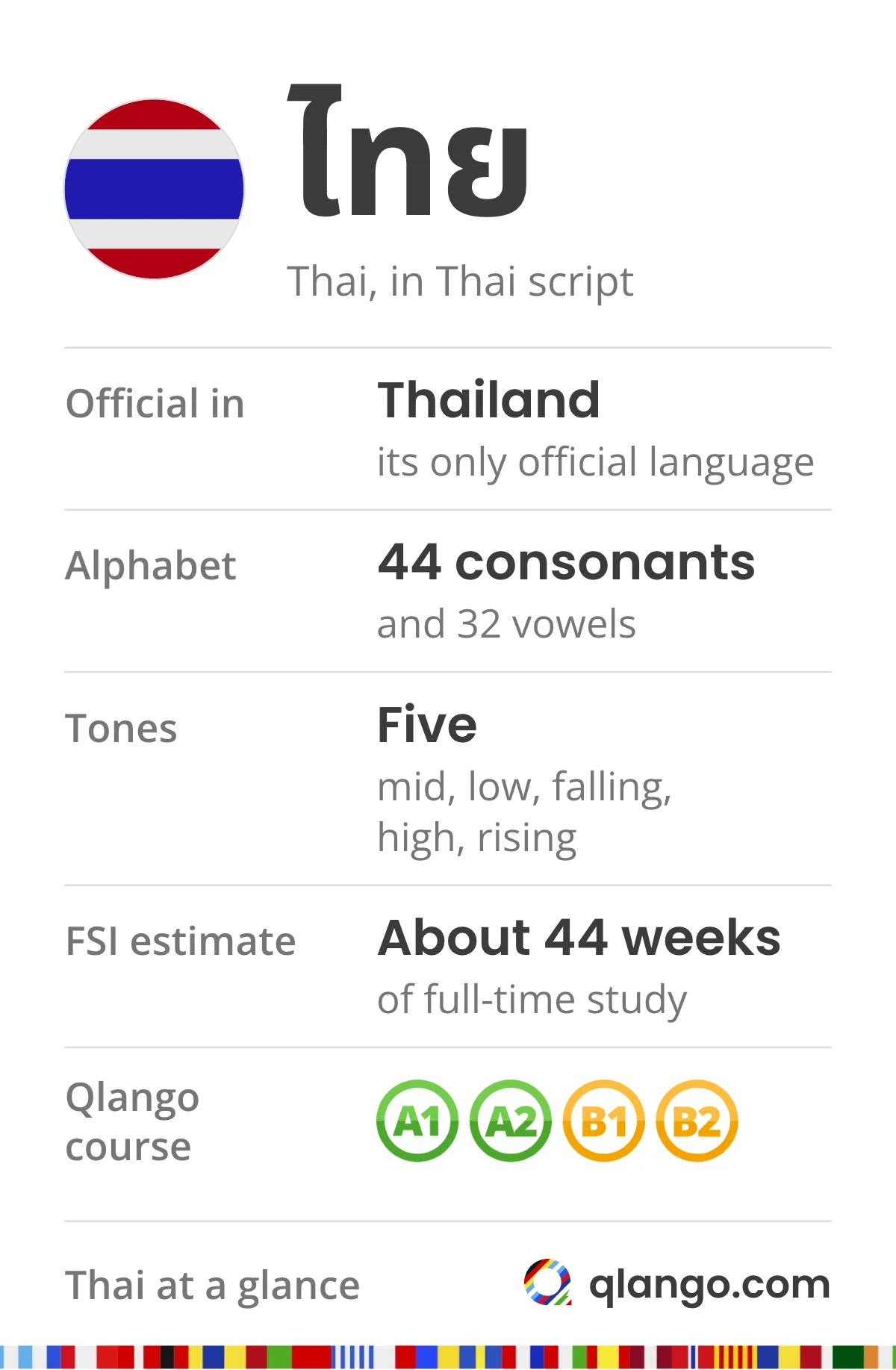
Thai is the only official language of Thailand, and it's tonal (Indiana University). Its alphabet has 44 consonants and 32 vowels, and the standard language has five tones: mid, low, falling, high and rising (Cambridge Language Centre). The US Foreign Service Institute counts Thai among its Category III "hard languages", at about 44 weeks of full-time study to reach a professional level in speaking and listening (FSI). Those facts decide what a Thai learning app needs to do.
Thai script, early
An app that keeps you in Latin letters for months leaves you stuck later, because the usual romanization drops tones and vowel length: the words for rice and white both come out as khao, while the Thai script keeps them apart. Our guide to learning Thai explains why the script is worth learning in month one.
Tones and vowel length you can hear
Every example should have audio you can replay and slow down. Five tones and pairs of long and short vowels only become clear after hearing the same words many times, ideally in whole sentences.
Speaking out loud
Reading and listening don't train your mouth. Either pick an app that makes you answer aloud, or plan to talk with a person from the first month.
Offline, if you travel
If you'll study on a long-haul flight or somewhere with patchy data, check whether an app's lessons download before you commit to it.
A level you can name
An app that tells you which CEFR level you're working at lets you measure progress, and lets you pick up a textbook or a tutor at the right point later. Here's what each level means.
A 20-minute check before you pay
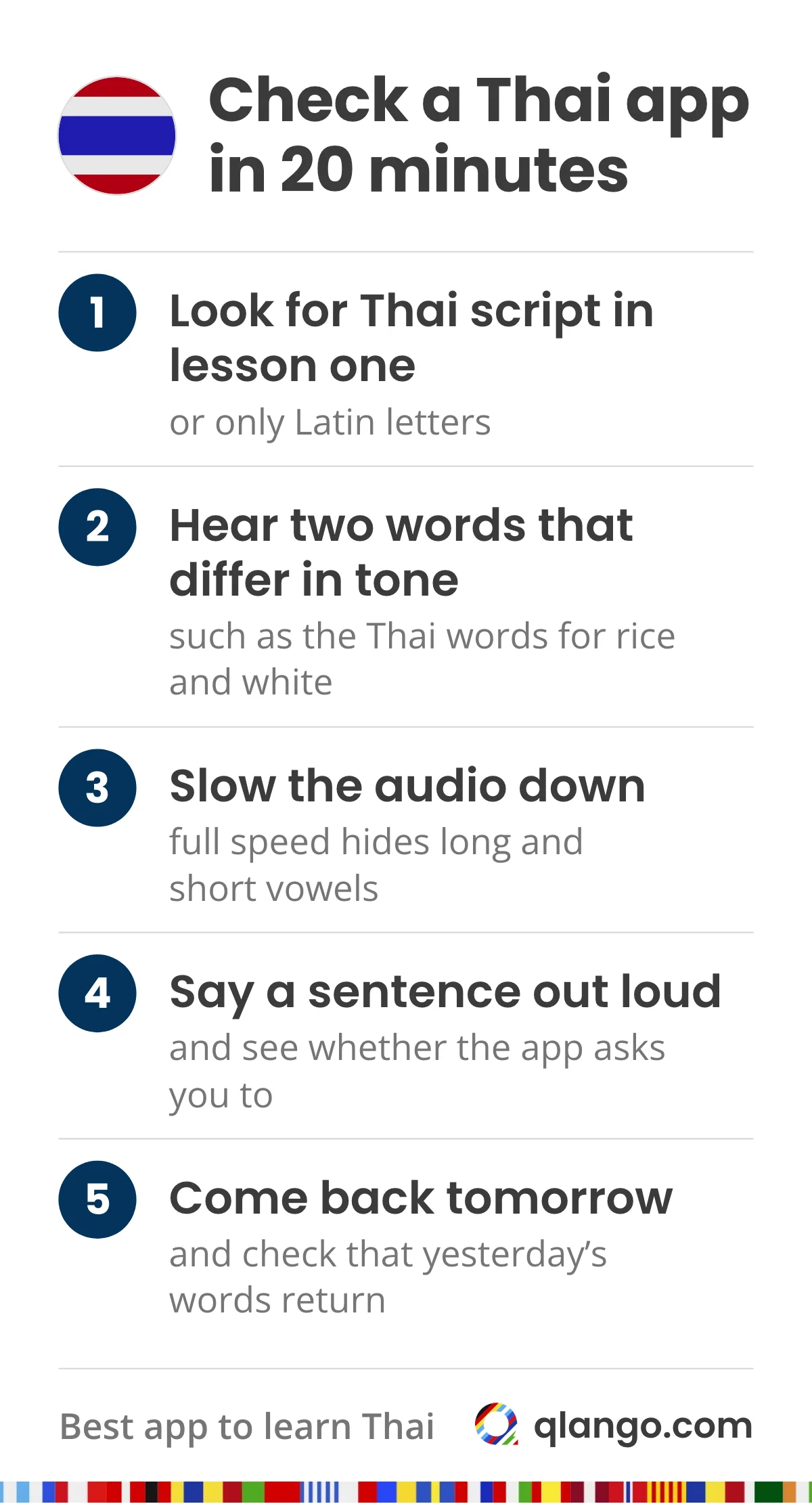
Before you commit to any Thai app, give its free lessons twenty minutes and run the same five checks. First, check whether lesson one shows Thai script or only Latin letters. Second, hear two words that differ in tone, such as the Thai words for rice and white, and check that the app makes the difference audible. Third, slow the audio down, because full speed hides long and short vowels. Fourth, say a sentence out loud and see whether the app asks you to. Fifth, come back tomorrow and check that yesterday's words return.
Best apps to learn Thai, compared (checked November 2026)
| App | How it teaches | Good for | Free to start |
|---|---|---|---|
| Qlango | CEFR course from A1 to B2 in Thai script, short lessons with spaced review | Reading Thai and a level-by-level path | Free to download |
| Pimsleur | Audio lessons you answer aloud, plus reading; one Thai level of about 16 hours | Speaking, hands-free | One free lesson |
| Ling | Games, dialogues, role-play and flashcards with native-speaker audio | Short game-style sessions on a phone | The first 2 units |
| Mondly | Daily lessons on everyday topics, from your own language | A light daily habit | Free version |
| Drops | Five-minute illustrated vocabulary games, 2,000+ Thai words | Vocabulary | Free daily lessons |
| Mango | Conversation-first lessons, native-speaker audio, grammar and culture notes | Learners with a library card | Free at many libraries |
| ThaiPod101 | Audio and video lessons with slowed-down audio and line-by-line breakdowns | Listening practice | Free sign-up |
The apps, one by one
Pimsleur: the strongest for speaking aloud
Pimsleur's method asks you for a response, pauses while you give it, then confirms the right answer, and it brings new words back at gradually increasing intervals (Pimsleur). For Thai, that means talking from lesson one, and the course also teaches you to read with correct pronunciation. The limit is size: the Thai course is a single level of about 16 hours (Pimsleur Thai), and the method deliberately limits how much you learn at a time. One lesson is free, and besides the phone apps there's a web version (Pimsleur app). More in our Pimsleur review.
Ling: games and native audio on your phone
Ling specialises in Asian and Eastern European languages. Its Thai course covers the five tones, reading Thai from day one, and dialogues, role-play scenarios and flashcards, with lessons built by native speakers and native audio (Ling Thai). The Thai page describes the path in four stages, from the basics to advanced topics, without CEFR levels. New users get two units free, and Ling's own FAQ says it works on iOS and Android phones and tablets (Ling).
Mondly: a light daily habit
Mondly, from Pearson, lists Thai among its 41 languages and lets you learn it from your own language, with more than 1,000 language combinations (Mondly). It runs on phones and as a web app, and its comparison of the free and Premium versions lists AI conversations for speaking practice (Mondly free vs Premium). Mondly's site has course pages for its biggest languages but none for Thai, so use the free version to judge what the Thai course covers.
Drops: vocabulary in five minutes
Drops does one job very well: five minutes a day of illustrated word games, with more than 2,000 Thai words and native-speaker audio (Drops Thai). It keeps a habit going on days when nothing else fits. It's a vocabulary tool that works best next to a course: its new grammar lessons cover nine languages, Thai not among them (Drops), and the alphabets its separate Scripts app lists don't include Thai (Drops Scripts).
Mango: free with many library cards
Mango Languages teaches Thai through conversations, with native-speaker audio, grammar and culture notes, spaced review and a tool for comparing your accent with a native speaker's (Mango Thai). Its most useful feature is how you get it: Mango says many public libraries and schools give their patrons full access with nothing more than a library card (Mango). Check your library's website before you pay for anything.
ThaiPod101: listening with explanations
ThaiPod101, from Innovative Language Learning, has thousands of audio and video lessons in which teachers slow down and explain each word and phrase, with line-by-line breakdowns of conversations and voice recording to compare yourself with native speakers (ThaiPod101). Sign-up is free. It works best as listening practice next to a structured course.